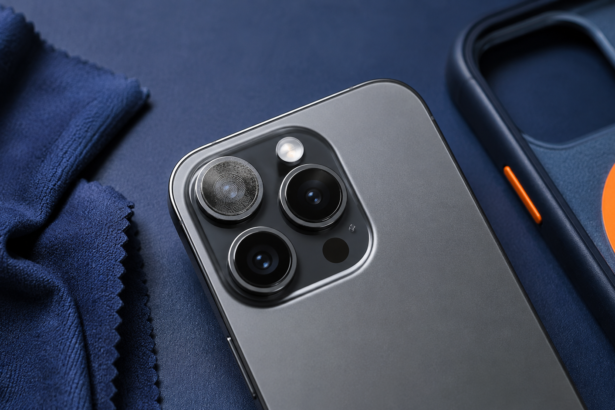


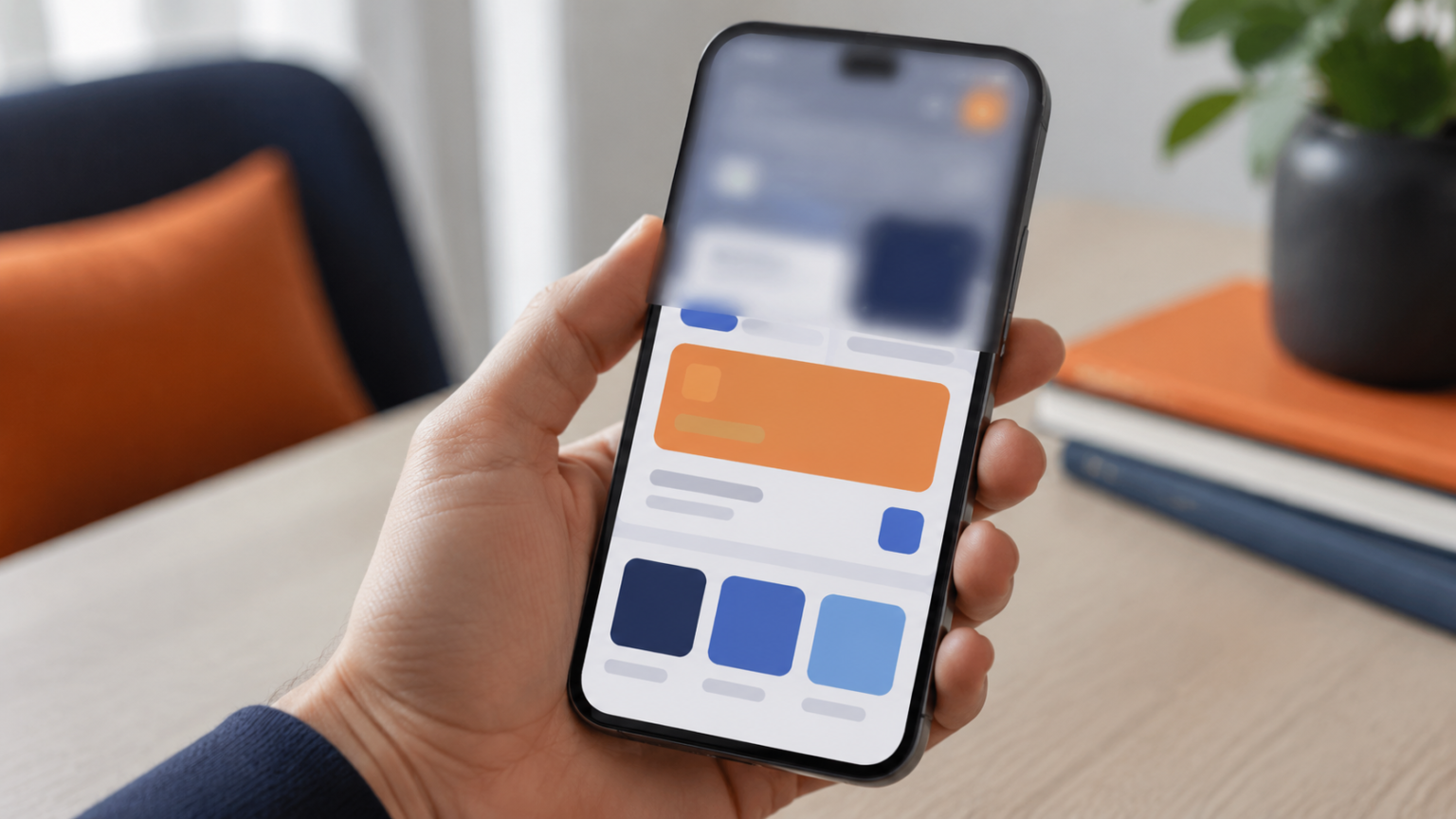
If you are asking why is the top of my phone blurry, a screenshot test can separate a software effect from a display or protector problem.
- Why Is the Top of My Phone Blurry? Start With This Test
- Start With the Screenshot Test
- Why Is the Top of My Phone Blurry?
- A wallpaper effect is softening the top area
- The app uses a translucent header
- A temporary graphics problem occurred
- Display zoom or accessibility settings changed
- The screen protector is lifting
- The display has pressure or impact damage
- Why Is My Phone Blurry at the Top Only in One App?
- What If the Status Bar Is Blurry?
- What If the Camera View Is Blurry at the Top?
- Fixes to Try in Order
- When to Get the Phone Checked
- Frequently Asked Questions
- Why is the top of my Phone blurry?
- Can a screen protector make only the top blurry?
- Will restarting the phone fix the blur?
- Why is the top blurry only on my home screen?
- The Bottom Line
Why Is the Top of My Phone Blurry? Start With This Test
If you are asking why is the top of my phone blurry, first determine whether the blur belongs to the screen or the camera. A blurred status bar, wallpaper, or app header is usually a display or software issue. A soft area that appears inside the camera preview and saved photos points to the lens, protector, or camera hardware instead.
One quick screenshot test can separate those two problems before you reset anything or pay for a repair.
Start With the Screenshot Test
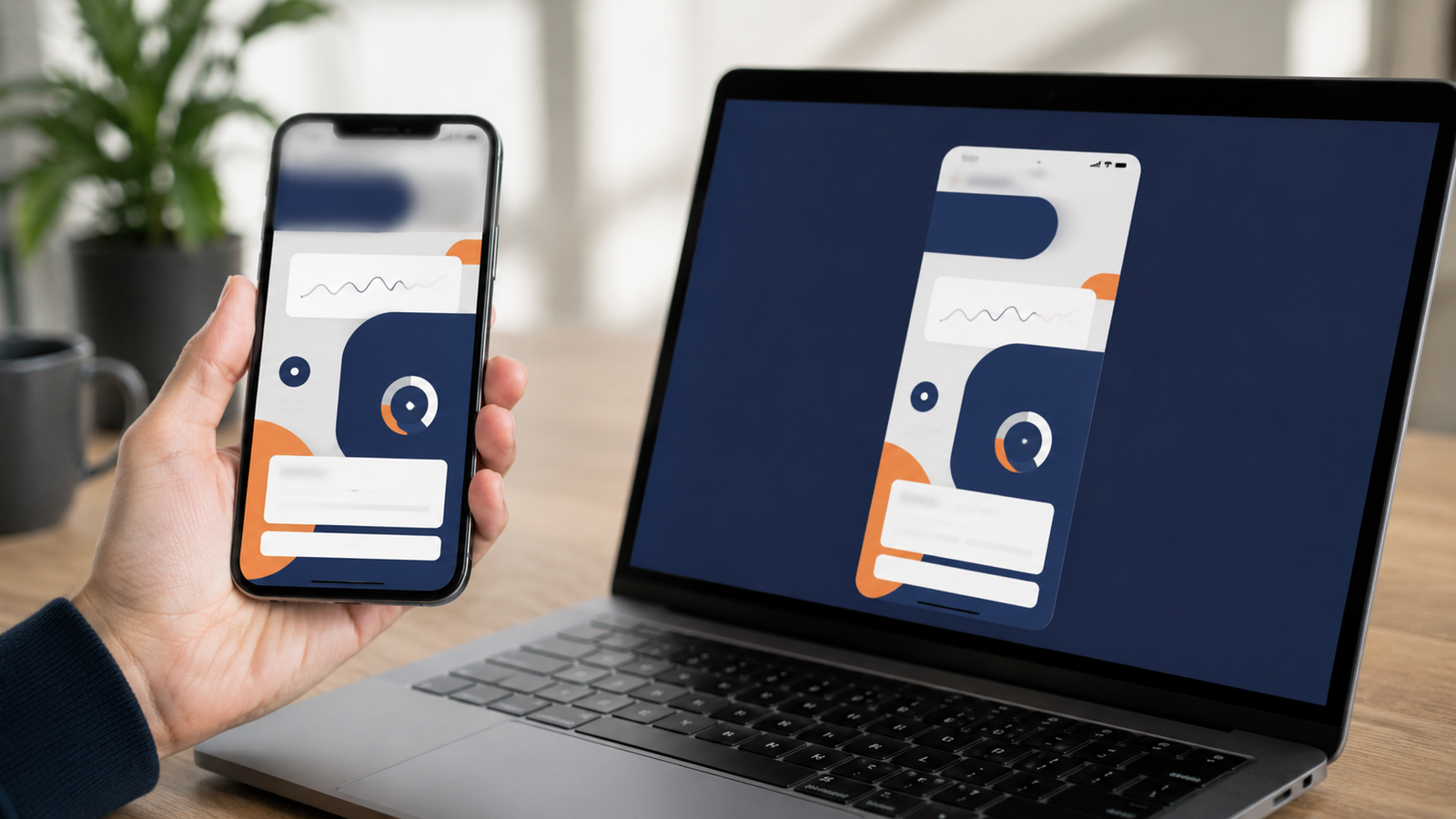
- Open the screen where the top looks blurry.
- Take a screenshot using your phone’s normal button combination.
- Send or open that screenshot on another device.
- Compare the top edge carefully.
If the blur appears in the screenshot on another device, it is being created by the operating system, wallpaper, or app. If the screenshot looks clear elsewhere but your phone screen still looks blurry, inspect the screen protector and display panel. If the blur appears only in the camera app, skip to the phone camera blur guide.
Why Is the Top of My Phone Blurry?
A wallpaper effect is softening the top area
Some phones extend or blur a wallpaper to fill space around the status bar. This is especially noticeable when a photo does not match the screen’s shape. Open the wallpaper settings, reposition the image, choose a better-fitting crop, or turn off available blur, depth, or extension effects.
The app uses a translucent header
Many apps place a frosted or translucent layer behind icons at the top. The content underneath may look intentionally blurred while buttons and text stay sharp. Scroll the page and watch whether the blurred background changes. If the icons remain crisp, the effect is probably part of the design.
A temporary graphics problem occurred
An app or system interface can occasionally render part of the screen incorrectly. Close the affected app completely and reopen it. If several apps have the same problem, restart the phone. Install a pending system or app update only after checking that it is intended for your device.
Display zoom or accessibility settings changed
Display zoom, magnification, text scaling, and visual accessibility options can change how top-bar elements are rendered. Review settings you changed recently. Return one setting at a time to its default so you know which adjustment mattered.
The screen protector is lifting
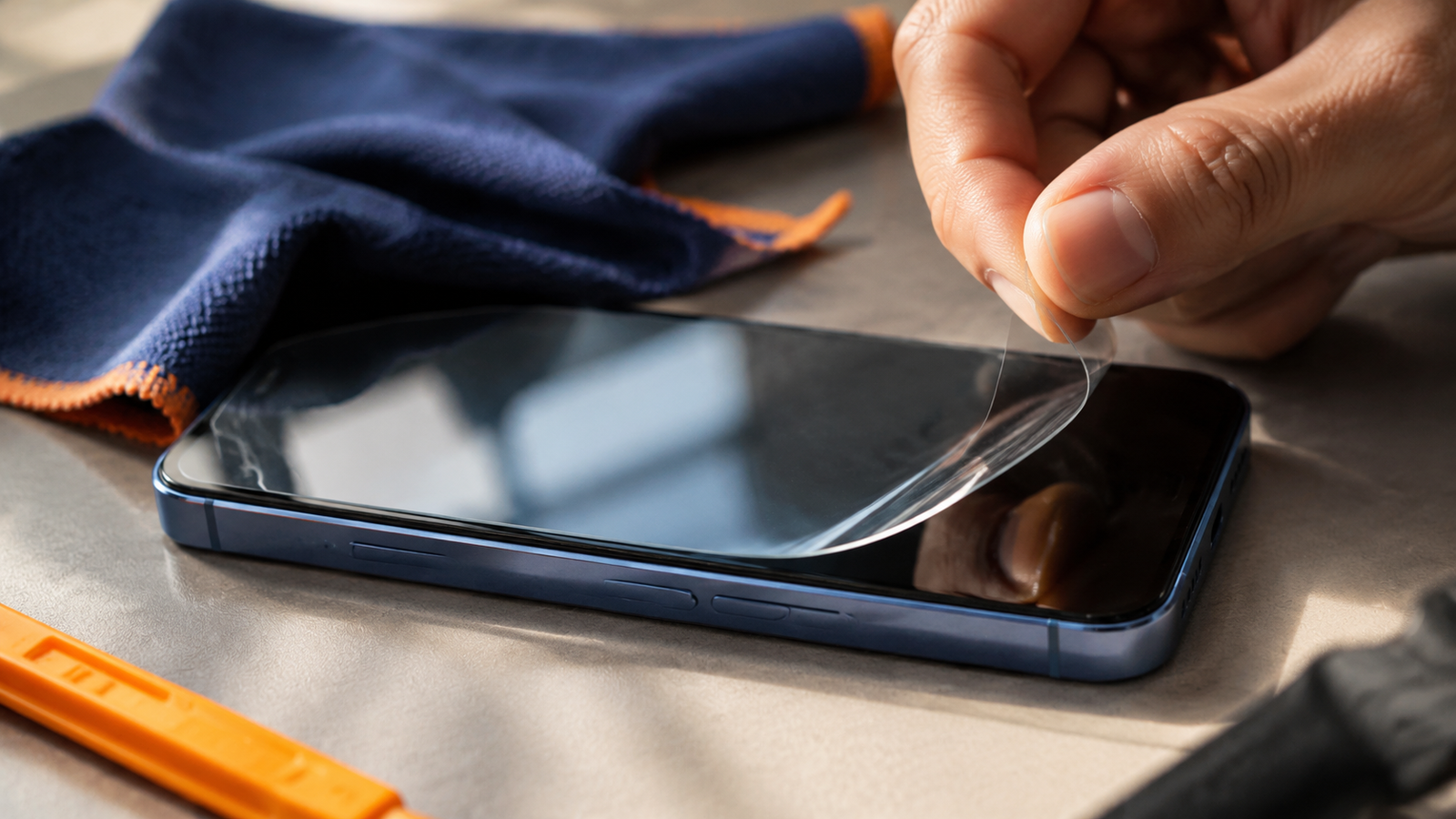
Air, moisture, dust, or separated adhesive near the earpiece can create a cloudy strip at the top. Look at the screen while it is off and tilt it under a lamp. A physical haze that stays in the same place is more likely to be the protector than software.
The display has pressure or impact damage
A fall, bend, water exposure, or pressure inside a bag can affect part of a display. Warning signs include a fixed cloudy patch, colored lines, flickering, a dark area that grows, or touch response that fails in the same region. Back up important data and arrange professional inspection if those symptoms persist.
Why Is My Phone Blurry at the Top Only in One App?
When the problem is limited to one app, start with the app rather than the phone. Force-close it, reopen it, and check another page inside the app. A video or image may also be low resolution while menus remain sharp.
Clearing an app’s temporary cache can help on devices that provide that option. Reinstalling is a later step because it may remove downloads, drafts, or local settings. Make sure anything important is synced before deleting an app.
What If the Status Bar Is Blurry?
A blurry background behind the time, signal, and battery icons can be normal if the operating system is improving contrast over a busy wallpaper. The icons themselves should still look clean. If the icons are also smeared, compare them with a screenshot on another device and check display scaling.
Do not confuse a privacy blur inside a screenshot or video with a display fault. Banking, password, and notification content may be intentionally hidden by an app.
What If the Camera View Is Blurry at the Top?
Open the camera and point it at a detailed wall or printed page in good light. Switch between rear lenses and the front camera. If only one lens creates a soft band, clean that lens and remove any case or protector that overlaps it. A consistent blurred area in saved images may indicate condensation, scratched cover glass, or a lens problem.
For general focus and motion issues, use the checklist for why pictures look blurry. It covers missed focus, camera shake, low light, and shutter speed.
Fixes to Try in Order
- Clean the screen and camera glass with a microfiber cloth.
- Take and compare a screenshot.
- Check whether the issue appears in one app or everywhere.
- Restart the phone.
- Review wallpaper blur, depth, and display zoom settings.
- Inspect the screen protector with the display turned off.
- Remove a case that presses against the display or camera area.
- Back up the phone before a reset or repair.
When to Get the Phone Checked
Seek repair advice if the blurred patch follows a drop or liquid exposure, grows over time, flickers, develops lines, becomes hot, or affects touch response. If the screen is lifting away from the frame, stop pressing it back into place. A swollen battery can push on a display and should be handled by a qualified technician.
Frequently Asked Questions
Why is the top of my Phone blurry?
It may be a wallpaper extension, interface translucency, an app rendering issue, or a physical screen/protector problem. The screenshot test helps separate software from hardware.
Can a screen protector make only the top blurry?
Yes. Lifted adhesive, dust, or moisture often starts around the earpiece and front-camera cutout.
Will restarting the phone fix the blur?
A restart can fix a temporary graphics error. It will not repair cracked glass, display damage, moisture under a protector, or a damaged camera lens.
Why is the top blurry only on my home screen?
The wallpaper image may be too short or a blur/extension effect may be enabled. Try a different wallpaper with the phone’s native aspect ratio.
The Bottom Line
A blurry top edge is not automatically a broken screen. Check a screenshot on another device, compare apps, and inspect the protector with the display off. Those three observations usually reveal whether the cause is software, an intentional visual effect, or physical damage.
If the blur appears inside the Camera app, Apple’s camera troubleshooting steps cover cases, lens cleaning, restarts, updates, and service checks.