

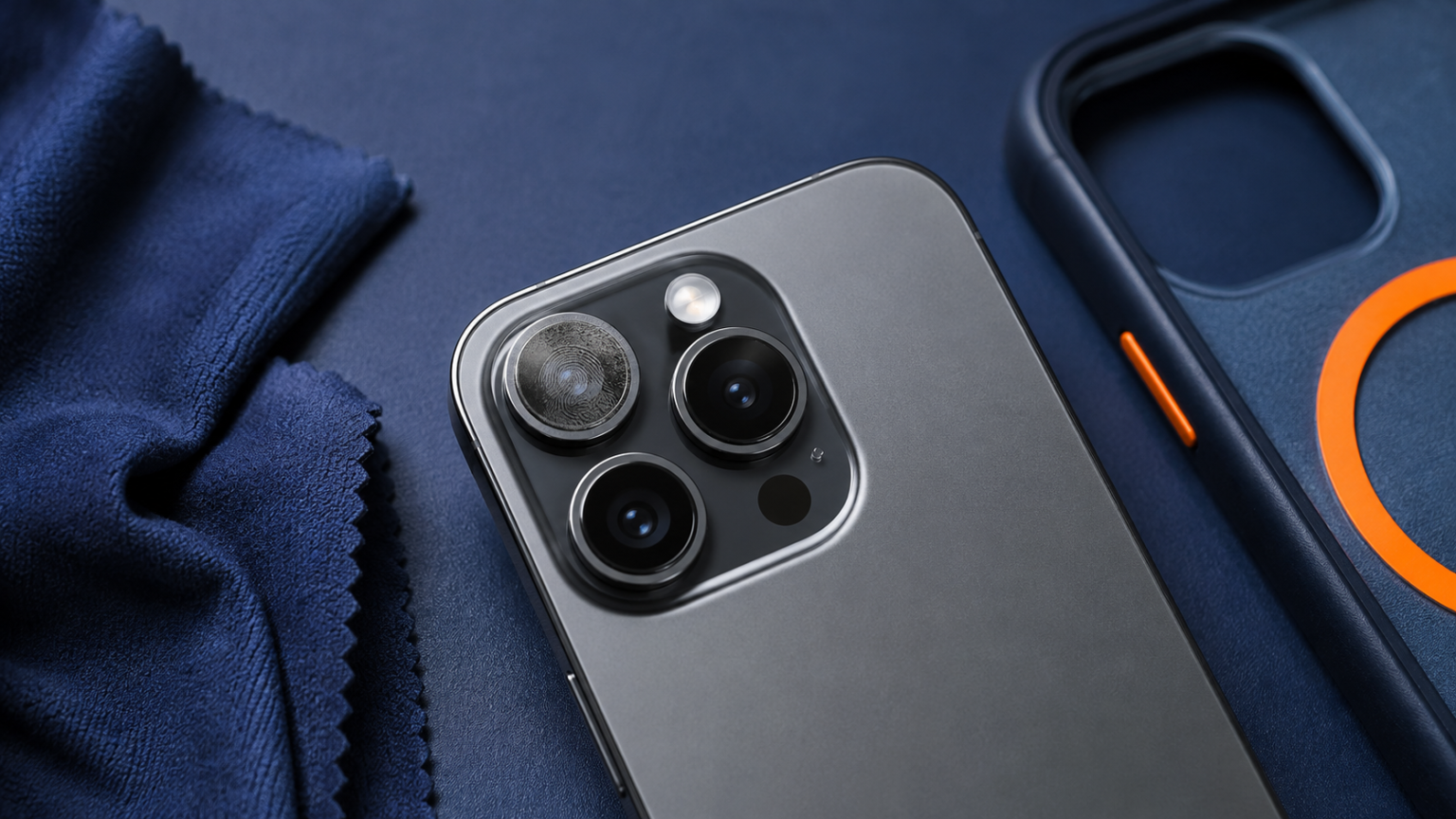
If you are asking why is my phone camera blurry at the top in the camera preview, inspect the upper lens, case, and protector before resetting anything.
- Why Is My Phone Camera Blurry at the Top? Check the Lens First
- Confirm Whether the Blur Is in the Camera
- Why Is My Phone Camera Blurry at the Top?
- 1. A fingerprint is covering part of the lens
- 2. A camera protector is misaligned
- 3. The case is entering the frame
- 4. Condensation is inside or outside the camera glass
- 5. Autofocus is locking too close or too far away
- 6. The lens cover is scratched or cracked
- 7. Image stabilization or the camera app is misbehaving
- 8. One camera module has a hardware problem
- Check Every Lens Separately
- When the Whole Photo Is Blurry
- What Not to Do
- Frequently Asked Questions
- Why is only one corner of my phone camera blurry?
- Can software cause a fixed blurry band?
- Why does the top look blurry only at night?
- Should I replace the camera protector?
- The Bottom Line
Why Is My Phone Camera Blurry at the Top? Check the Lens First
If you are wondering why is my phone camera blurry at the top, clean the exact lens being used and remove any case or camera protector that overlaps it. A soft strip at one edge often comes from a fingerprint, trapped moisture, scratched cover glass, or an accessory sitting partly in front of the lens. If the same area stays blurry in saved photos, the problem is not just the preview.
The pattern matters. A general focus problem softens the subject. A fixed blurry band at the top points more strongly to something blocking or affecting part of the optical path.
Confirm Whether the Blur Is in the Camera
- Open the camera in bright daylight.
- Photograph a flat, detailed subject such as a brick wall or printed page.
- Take one photo with each rear lens option and one with the front camera.
- Open the saved images in the gallery and zoom in modestly.
- Check whether the soft area stays at the same top edge.
If only the live preview looks odd but the saved photo is sharp, restart the camera app and phone. If a normal screenshot has a blurry top outside the camera, read why the top of a phone screen looks blurry.
Why Is My Phone Camera Blurry at the Top?
1. A fingerprint is covering part of the lens
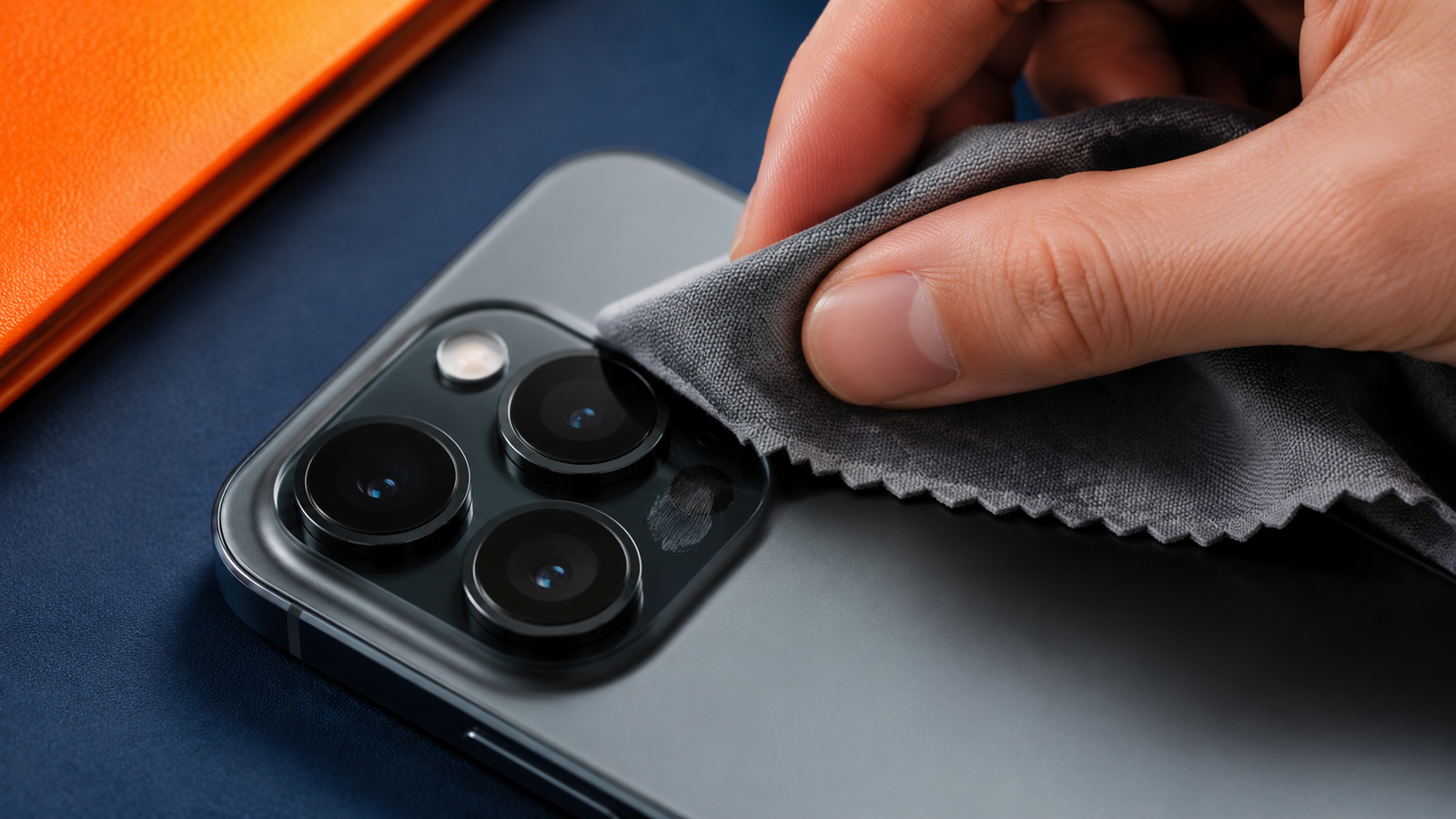
Phone lenses sit exactly where fingers rest while holding the device. Oil can create a hazy area, flare, or a soft band near bright lights. Wipe each lens gently with a clean microfiber cloth. Clean the front camera area as well.
2. A camera protector is misaligned
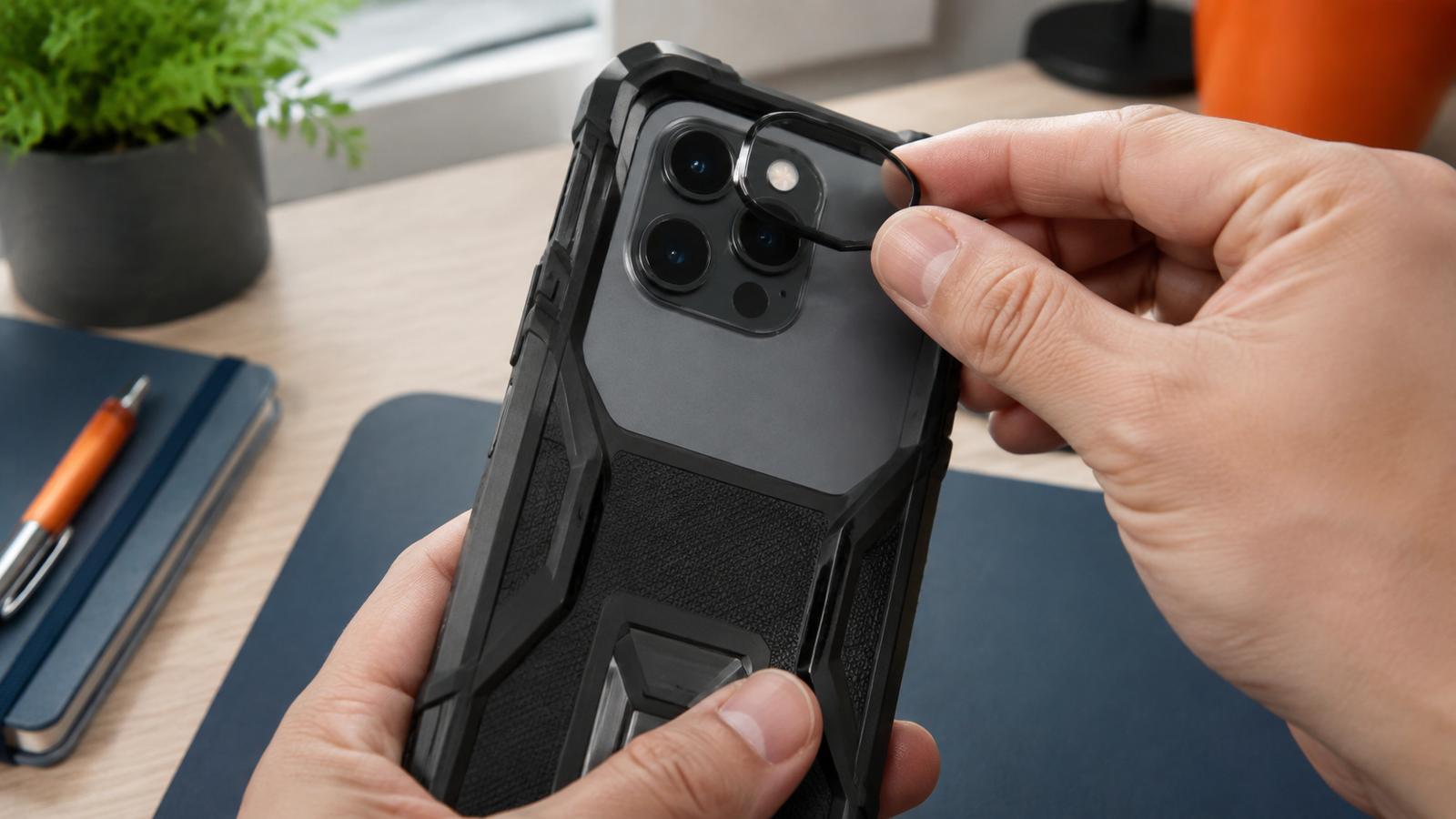
Raised lens protectors can shift, collect dust around an edge, or develop tiny scratches. Remove the accessory temporarily and repeat the same test. If the image becomes clear, replace the protector with one that does not cross the lens opening.
3. The case is entering the frame
A loose or poorly fitted case may overlap a wide-angle lens without being obvious in the preview. This is more common at the corners and edges. Take the case off and compare photos from every lens.
4. Condensation is inside or outside the camera glass
Moving between cold air conditioning and humid outdoor air can fog the outside surface. Let the phone reach room temperature and wipe it dry. If moisture appears behind the cover glass or follows liquid exposure, avoid heating the phone with a hair dryer. Back it up and seek repair advice.
5. Autofocus is locking too close or too far away
Tap a detailed subject near the top of the frame, then take another photo. If the sharp area moves with the focus point, the lens is probably not physically blocked. If the top remains soft regardless of focus distance, inspect the lens cover and accessories.
6. The lens cover is scratched or cracked
A fine scratch may reduce contrast only in certain lighting, while a crack can create a persistent smeared section. Shine a light across the glass at an angle. Do not pick at damaged cover glass, since loose fragments can worsen the problem or affect water resistance.
7. Image stabilization or the camera app is misbehaving
A temporary camera process error can make the preview pulse or remain soft. Close the camera app, restart the phone, and test the built-in camera before blaming a social-media camera. Third-party apps may use different processing or a lower-resolution preview.
8. One camera module has a hardware problem
If the blurry band appears only with one lens, remains after cleaning and removing accessories, and shows in every saved image, that camera module may need inspection. A previous impact can affect lens alignment or stabilization even when the outer glass looks intact.
Check Every Lens Separately
| Test result | What it suggests |
|---|---|
| All rear lenses show the same haze | Dirty protector, processing issue, or case interference |
| Only one rear lens is blurry | That lens cover or camera module needs attention |
| Only the front camera is blurry | Screen protector, makeup, oil, or front-camera damage |
| Saved photos are sharp | Preview or app rendering problem |
| Blur changes with the subject | Focus distance or autofocus behavior |
When the Whole Photo Is Blurry
If the softness is not limited to the top, the cause may be camera shake, low light, digital zoom, or missed focus. Use the general guide to why pictures are blurry and test a stationary subject in bright light.
Night mode also needs a steady phone for a little longer than a normal daylight exposure. Brace your hands, avoid walking while shooting, and wait for the capture indicator to finish.
What Not to Do
- Do not polish the lens with an abrasive cloth or household cleaner.
- Do not heat a wet phone to remove condensation.
- Do not keep a cracked camera protector over the lens.
- Do not factory-reset the phone before checking the lens, case, and saved files.
- Do not judge only from a compressed image inside a messaging app.
Frequently Asked Questions
Why is only one corner of my phone camera blurry?
A case edge, misaligned protector, fingerprint, scratch, or lens alignment issue may affect that area. Test without accessories and compare each camera lens.
Can software cause a fixed blurry band?
It can, but a fixed area that appears in saved photos from one lens is more suggestive of an optical or hardware issue than a general software problem.
Why does the top look blurry only at night?
Fingerprints and scratches scatter bright lights more visibly at night. Slow exposure and hand movement can also soften the frame. Clean the lens and test in daylight.
Should I replace the camera protector?
Remove it for a controlled test. If sharpness returns, replace it or leave it off. Make sure any new protector fits the exact phone model.
The Bottom Line
A blurry strip at the top of phone photos is often caused by something on or near the lens. Clean each lens, remove the case and protector, compare camera modules, and inspect saved files. If one lens remains consistently soft after those checks, professional inspection is more useful than repeated resets.
If the blur appears inside the Camera app, Apple’s camera troubleshooting steps cover cases, lens cleaning, restarts, updates, and service checks.