

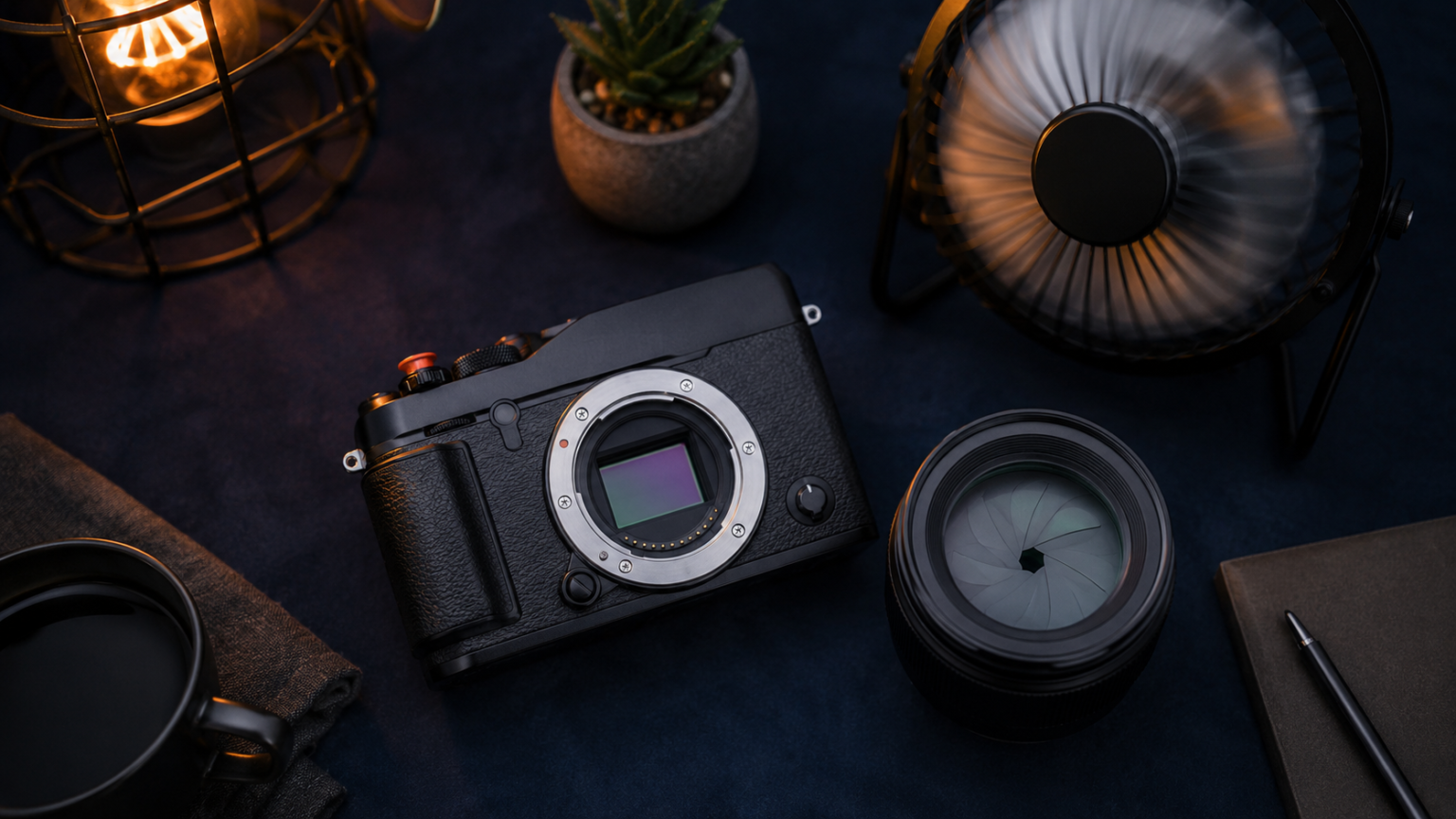
The ISO vs aperture vs shutter speed choice is easier when you decide first whether motion, depth of field, or image noise matters most.
- ISO vs Aperture vs Shutter Speed: The Quick Decision
- ISO vs Aperture vs Shutter Speed at a Glance
- What Aperture Actually Changes
- What Shutter Speed Actually Changes
- What ISO Actually Changes
- How the Three Settings Work Together
- One Stop: The Useful Unit Behind Exposure
- Which Setting Should You Choose First?
- Common Exposure Mistakes
- Frequently Asked Questions
- Does aperture affect brightness?
- Does shutter speed affect depth of field?
- Does ISO bring more light into the camera?
- Which setting causes grain?
- The Bottom Line
ISO vs Aperture vs Shutter Speed: The Quick Decision
ISO vs aperture vs shutter speed becomes much easier once you stop treating the three settings as interchangeable. Aperture controls how much light passes through the lens and how much of the scene looks sharp. Shutter speed controls how long light reaches the sensor and how motion appears. ISO controls how brightly the camera renders the captured signal, with more noise at higher values.
All three affect brightness, but each leaves a different visual fingerprint. The best choice depends on what the photograph needs to communicate.
ISO vs Aperture vs Shutter Speed at a Glance
| Setting | Main creative effect | More light | Common tradeoff |
|---|---|---|---|
| Aperture | Depth of field | Lower f-number | Less of the scene may be sharp |
| Shutter speed | Motion blur or freezing | Longer exposure | Camera or subject movement may blur |
| ISO | Image brightness | Higher ISO | More noise and less fine detail |
What Aperture Actually Changes
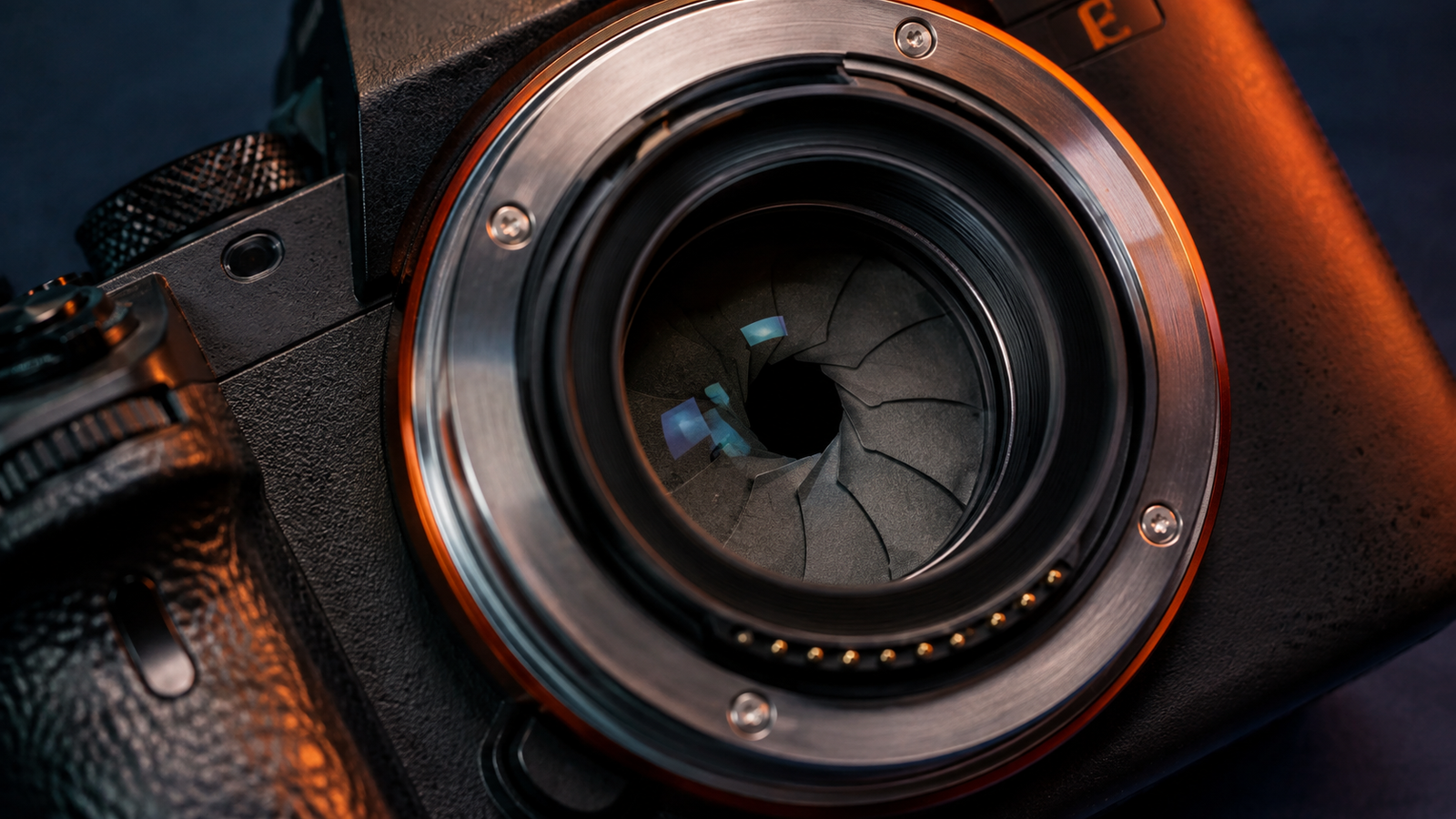
Aperture is the adjustable opening inside a lens. It is written as an f-number, such as f/1.8, f/4, or f/11. The numbering feels backward at first: a smaller f-number means a wider opening, while a larger f-number means a narrower opening.
A wide aperture lets in more light and can create a shallow depth of field, which helps separate a person from the background. A narrow aperture lets in less light but can keep more foreground and background detail within an acceptable range of sharpness.
Choose a wider aperture when:
- You want a soft background behind a portrait.
- You are shooting in low light and need more light through the lens.
- You want to isolate one detail in a busy scene.
Choose a narrower aperture when:
- You want a landscape to remain sharp across more depth.
- You are photographing a group arranged in several rows.
- You want a deliberate starburst around a small bright light.
Aperture is not a simple sharp-versus-blurry control. Every lens has an optical range where it performs well, and very narrow apertures can reduce fine detail through diffraction. Use the depth of field you need rather than automatically choosing the highest f-number.
What Shutter Speed Actually Changes
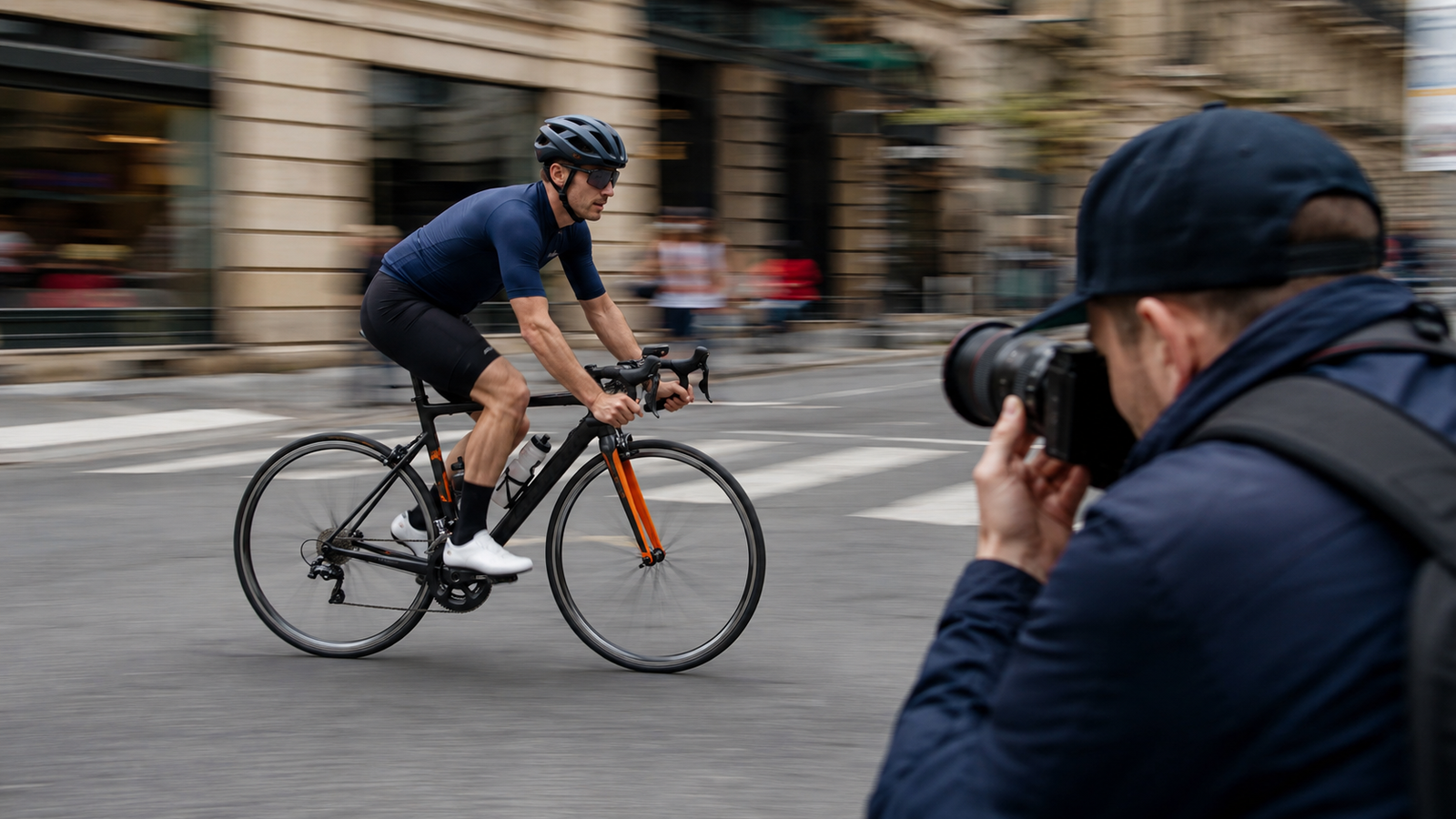
Shutter speed is the amount of time used for an exposure. A fast speed such as 1/1000 second freezes quick movement but admits little light. A slow speed such as 1/15 second admits more light but records movement over a longer period.
Choose a faster shutter speed when:
- You are photographing sports, animals, children, or vehicles.
- You are handholding a long lens.
- You see streaks from camera shake.
Choose a slower shutter speed when:
- You want flowing water to look smooth.
- You are creating light trails.
- The camera is on a stable tripod and the subject is not moving.
Stabilization can reduce blur from your hands, but it cannot freeze a moving subject. That distinction is central to the ISO vs Aperture vs Shutter Speed.
What ISO Actually Changes
ISO sets the camera’s amplification or brightness response to the captured signal. A low value such as ISO 100 generally gives cleaner tones and more editing flexibility. A higher value helps create a usable exposure when light is limited, but it brings more noise and may reduce color and shadow detail.
High ISO is not automatically a mistake. A sharp ISO 3200 photo can be far more useful than an ISO 100 photo ruined by motion blur. Start with the shutter speed and aperture the scene requires, then raise ISO enough to support them.
How the Three Settings Work Together
Imagine you are photographing a person walking indoors. You choose 1/250 second to control movement. You open the lens to f/2.8 for light and subject separation. If the frame is still too dark, you raise ISO until the exposure is usable. Each decision protects a different part of the picture.
For a landscape on a tripod, the priorities change. You may choose f/8 for depth, ISO 100 for clean detail, and let the shutter stay open longer because neither the camera nor the scene is moving quickly.
One Stop: The Useful Unit Behind Exposure
A one-stop change doubles or halves the amount of light represented by a setting. Moving from 1/250 to 1/125 second adds one stop of light. Changing from f/4 to f/2.8 also adds one stop. Moving from ISO 400 to ISO 800 brightens the result by one stop.
This makes exposure adjustments predictable. If you speed the shutter from 1/250 to 1/500 second and lose one stop, you can open the aperture or raise ISO by one stop to maintain similar brightness.
Which Setting Should You Choose First?
| Subject or goal | Set first | Why |
|---|---|---|
| Sports or wildlife | Shutter speed | Motion must be controlled |
| Portrait with a soft background | Aperture | Depth of field defines the look |
| Landscape on a tripod | Aperture and ISO | Depth and clean detail matter |
| Handheld low-light scene | Shutter speed | Prevent camera shake first |
| Studio flash | Aperture and flash power | They strongly shape flash exposure |
The follow-up guide to ISO, shutter speed, and aperture provides a beginner workflow for manual mode. For real shooting situations, use the aperture, shutter speed, and ISO settings chart.
Common Exposure Mistakes
- Lowering ISO so far that shutter speed becomes unusably slow.
- Opening the aperture without noticing that important details leave the focus zone.
- Using a fast shutter speed for a still scene and creating unnecessary high ISO.
- Closing the aperture because a photo is too bright instead of considering creative intent.
- Changing all three settings at once and losing track of what improved the image.
If slow shutter speeds are already causing soft frames, the diagnostic guide to why pictures are blurry will help separate motion from missed focus.
Frequently Asked Questions
Does aperture affect brightness?
Yes. A wider aperture admits more light, while a narrower aperture admits less. It also changes depth of field, which is why it should not be treated as a brightness control alone.
Does shutter speed affect depth of field?
Not directly. Shutter speed changes how motion is recorded. It can force you to adjust aperture, which then changes depth of field.
Does ISO bring more light into the camera?
No. Aperture and shutter duration control captured light. ISO changes how the camera renders or amplifies the signal.
Which setting causes grain?
Higher ISO is associated with more visible digital noise. Underexposure followed by heavy brightening can also make noise more obvious on ISO vs Aperture vs Shutter Speed.
The Bottom Line
Aperture decides depth, shutter speed decides motion, and ISO supports the brightness needed to use those creative choices. Set the value tied to your main goal first, protect the picture from unwanted blur, and use ISO as a practical tool rather than a number to fear.
For a useful second reference, Adobe’s guide to photographic exposure explains how aperture, shutter speed, and ISO work together.